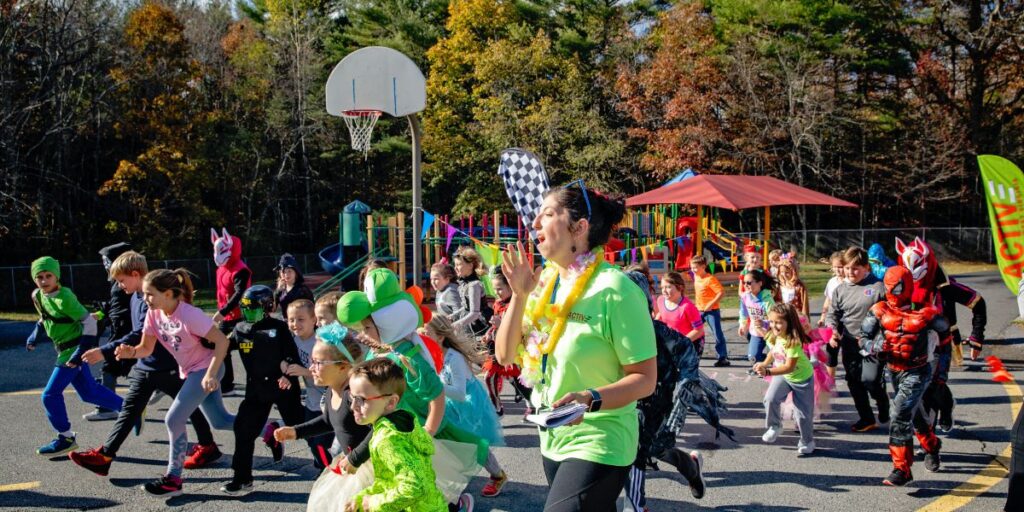
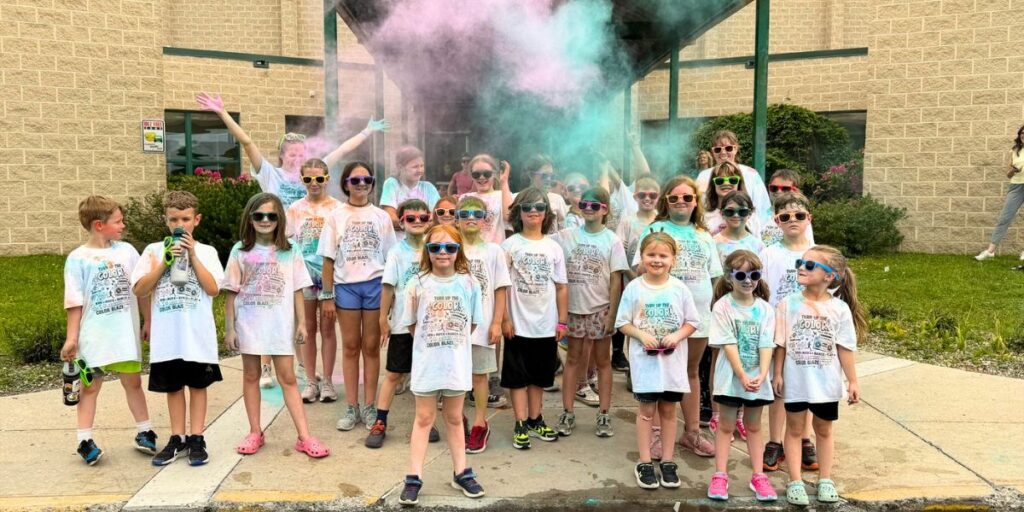
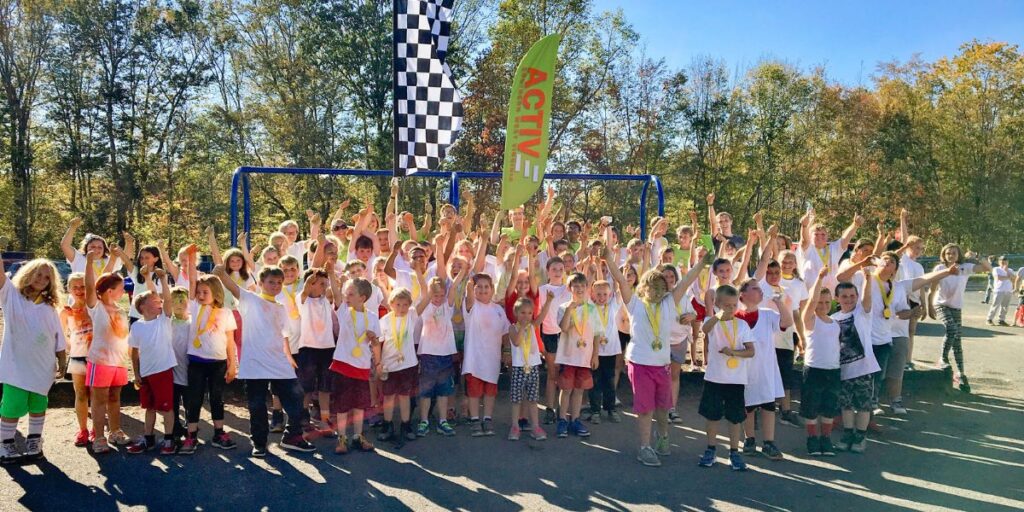
Are you passionate about moving West Virginia and your community forward? Becoming a Kids Run Club Program Ambassador is the perfect opportunity for anyone with school and community connections who want to make a positive difference in kids’ day to day lives.
Active SWV is looking for Program Ambassadors to spread the word about the Kids Run Club program! When you become an Ambassador, you can bring a free and fun physical activity opportunity to kids in your community.
It takes a village to support community health and connect all of the resources. Consider being an ambassador to connect children to a free run club.
Here is the first section you can use to insert information. Feel free to move around and delete things that you do not need. You can add more imagery if you’d like.
This is a second section. You can add more text here, or delete the section. Feel free to add as much or as little text you would like. If you’d like to delete this entire orange section, place your cursor over the green line above to get this section’s options. There should be a plus, 6 squares, and an “x”. You can click the “x” to delete the entire section. You can also change the column width here and replace the image to the right.
SECOND MAJOR HEADING
From here on out, there will be place holder text. I will try to include random elements you can use throughout the page as you see fit, or delete.
Third Major heading
Below is a “list”. They are stylized to match the rest of the site. When you click on the list, you will have options to replace the text, as long as the icon. You can also link it to outside webpages, or within the page. They are automatically set to link out.
Object One
Object Two
Object Three
Object Four
Object Five
Here is a second section within this one. Delete or expand on the list as you see fit. you can also change the image to the right, or delete the entire section.
FOURTH MAJOR HEADING
Here is stylized text. Use heading 5 (in the dropdown above within the text editor) to automatically create orange, bolded text.
Here is default styled text. Replace as you see fit. Here is default styled text. Replace as you see fit. Here is default styled text. Replace as you see fit. Here is default styled text. Replace as you see fit. Here is default styled text. Replace as you see fit. Here is default styled text. Replace as you see fit. Here is default styled text. Replace as you see fit.
Here is stylized text. Use heading 5 (in the dropdown above within the text editor) to automatically create orange, bolded text.
Here is default styled text. Replace as you see fit. Here is default styled text. Replace as you see fit. Here is default styled text. Replace as you see fit. Here is default styled text. Replace as you see fit. Here is default styled text. Replace as you see fit. Here is default styled text. Replace as you see fit. Here is default styled text. Replace as you see fit.
Fifth major heading
Fifth major heading
smaller heading here
Feel free to add as much or as little text you would like. If you’d like to delete this entire orange section, place your cursor over the green line above to get this section’s options. There should be a plus, 6 squares, and an “x”. You can click the “x” to delete the entire section. You can also change the column width here and replace the image to the right.
This is the end section, with the trailmap background. These are normally used throughout the site to summarize the page, and include necessary contact information to expand more on the page topic. Feel free to add and delete. You can also delete the above image and replace with something else, as long as the image to the right. Feel free to contact us with any questions at all!